Incident reporting and lone worker safety for security officers
Reading time 3 min.
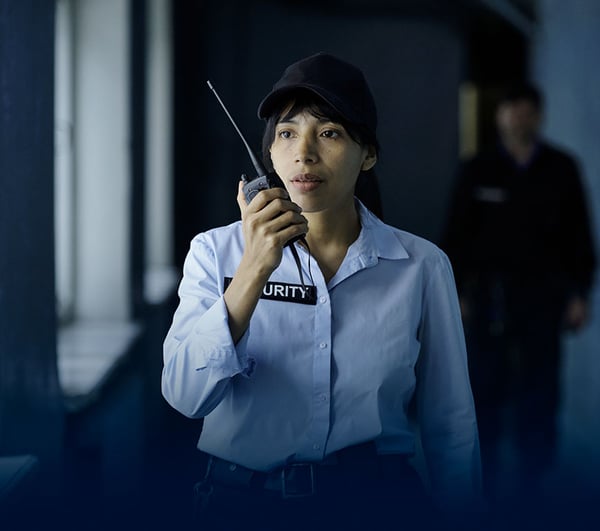
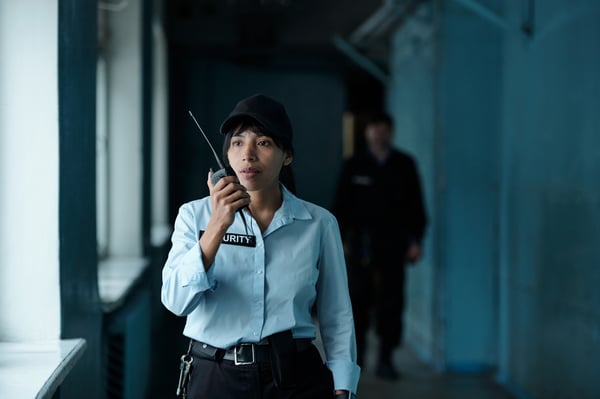
Most security officers work alone for at least part of their shift. When something happens, two things matter: the officer is safe, and the right people hear about it quickly, with the facts they need. A notebook and a phone call at the end of the shift do neither.
This guide covers how to get better incident reports from the field, and how to meet your duties to officers who work alone.
What makes a good incident report
A report is only useful if it can be acted on and relied on later. It should record:
- What happened, where and when, in the officer's own words.
- Photos of the scene, damage or hazard.
- Who was involved or informed, including police, fire or the client.
- What the officer did, and what still needs doing.
Written up hours later, reports lose detail and the times drift. Captured on the phone at the scene, they are complete and time-stamped.
From the officer to the right person, at once
The report should not sit in an inbox. Different incidents need different people: a leak goes to the client's facilities team, a break-in to the control room and the account manager. Routing reports automatically by type and site means nobody has to decide who to forward it to at 4am.
Some incidents also have to be reported to the regulator. Certain workplace injuries and dangerous occurrences must be reported to HSE under RIDDOR, so the form should prompt for the details that report needs.
Your duties to lone workers
UK employers must assess the risks to people who work alone and put controls in place. HSE's guidance on lone working sets out what that means in practice, including:
- Assessing the risks of each lone working role and site.
- Agreeing how lone workers will stay in contact and how often.
- Having a plan for when an officer does not check in.
- Training officers in what to do if something goes wrong.
For security companies, lone working is the norm on many sites, so these controls need to be part of every shift, not a policy on a shelf.
Turning the policy into a routine
The phone the officer already carries for rounds can do most of the work:
- Scheduled check-ins during the shift, with an escalation if one is missed.
- Checkpoint scans that show the officer is moving through the site as planned.
- A quick way to raise an alarm or call for help.
- Messages from the control room to one officer or every officer on site.
In Reslink, officers have a panic button with a clear escalation path, alongside checkpoint scans and incident forms on the same app.
Learning from the record
Over time, incident reports become a picture of each site. Patterns show where extra patrols, better lighting or a conversation with the client would prevent the next incident. That record is also strong evidence at contract renewal.
How Reslink helps
In Reslink, officers record incidents on their phone with photos, location and time, using forms built for each site. Reports reach supervisors straight away, and push messages can go to one officer or a whole team. Every report is stored against the site, alongside rounds and shift records.
Questions buyers ask
Is lone working allowed?
Often, yes, but employers must assess the risks and put controls in place. HSE's guidance on lone working explains what that involves.
Which incidents must be reported to HSE?
Certain workplace injuries, diseases and dangerous occurrences must be reported under RIDDOR. HSE's RIDDOR pages list which ones.
What should a security incident report include?
What happened, where and when, photos, who was involved or informed, and what action was taken.
Related guides: Rounds and patrol management software for UK security companies and Running a mobile FM workforce on one platform.
Book a demo to see incident reporting set up for one of your sites.